First steps in Delve
Until this week, Prometheus was something you looked at. Now you can walk around in it.
Delve is the engine's first walking mode. A third-person camera tilted at 35° follows a sprite character, and every billboard in the scene turns to face the camera, picking the right direction and animation frame as it moves. It runs inside the editor, so I can step into a scene I'm building, walk around it, and step back out to carry on editing.
Input that isn't tied to a keyboard
Delve brought the input system with it. Game code never asks "is W pressed?". It asks for actions like move and turn, and whatever the player is holding supplies them. On a keyboard that's the usual keys. On a touchscreen a virtual stick appears bottom-left, with turn buttons on the right:
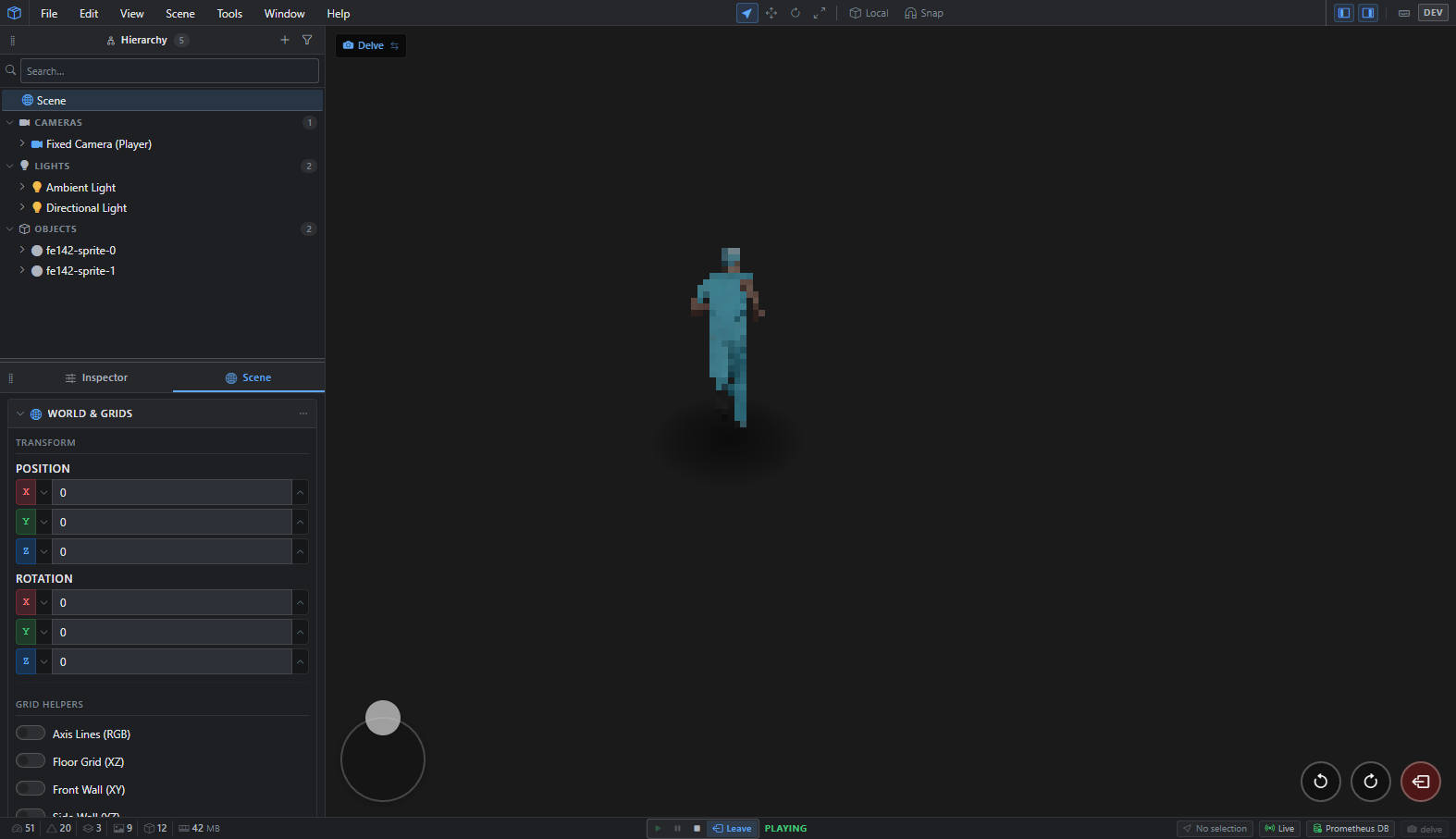
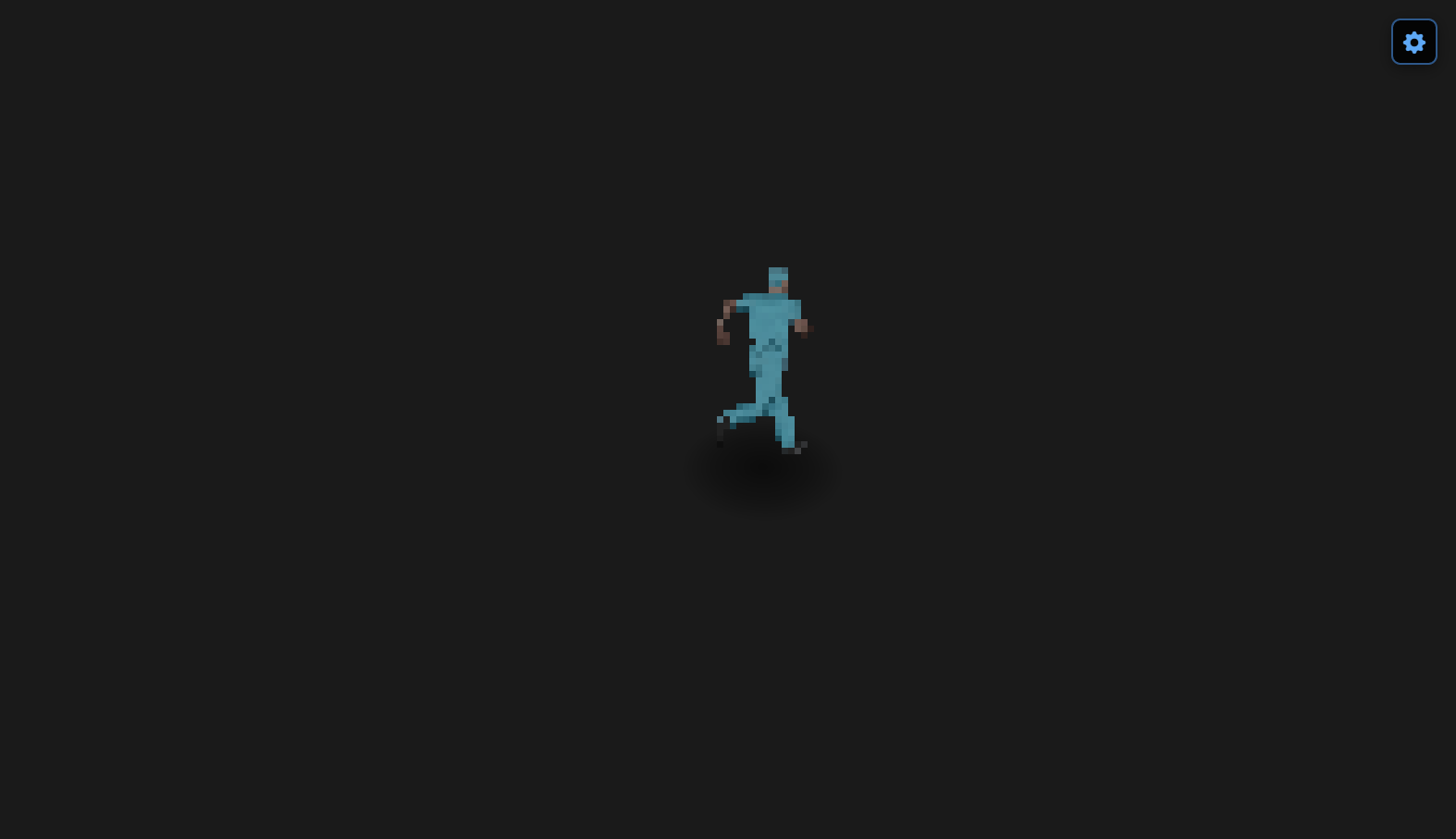
Hide the editor around it and what's left is what a player would see:
How heavy is a crowd of sprites?
Every billboard has to be turned, framed and positioned every frame, so I measured that early. Fifty animated billboards held a mean of 12.7 ms per frame on my desktop while I walked around them, about 79 frames a second. That's a development machine, not a phone, so it's a baseline to measure later work against rather than a verdict.