Frieze: pixel art from 3D models
Every character and prop in Prometheus is a 2D pixel-art sprite standing in a 3D world. Drawing all of those by hand, from eight directions, for every animation, isn't something a solo developer can do. So the engine makes them. The tool is called Frieze.
Models in, sprite sheets out
Frieze takes a 3D model, poses it with animation clips, captures it from several angles and bakes each frame into pixel art at a fixed size, then packs the frames into a sprite sheet. Clips can come with the model or be borrowed from a shared library and retargeted to the model's skeleton, so one walk cycle can serve many characters.
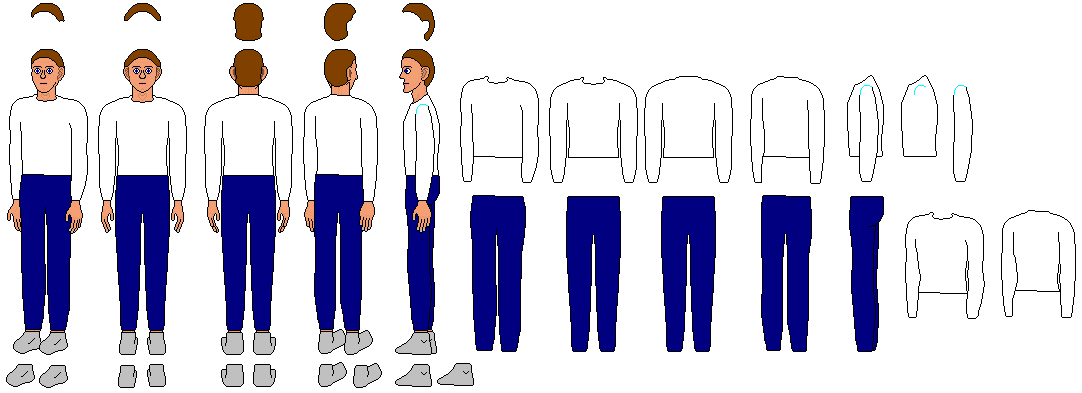
It also works from 2D art. A drawing can be given joints and animated with the same library clips. For testing that I used a free character turnaround from OpenGameArt:
Palettes
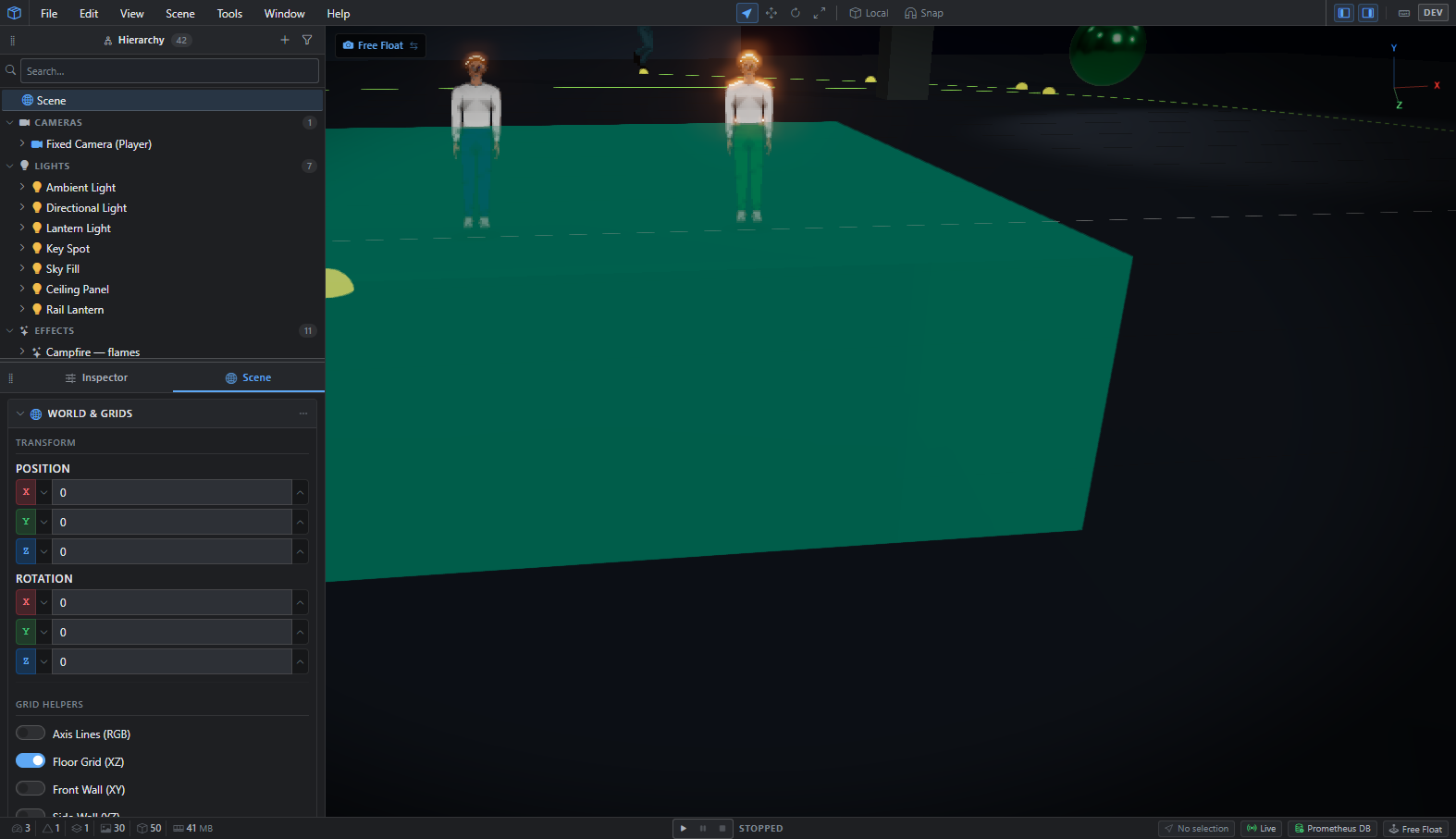
A sheet can be indexed, so each colour belongs to a palette slot. Change a slot and the character changes colour everywhere it appears, with no new bake. The green-trousered character here is the same artwork as the blue one, with four of its thirteen palette slots changed:
Touching up by hand
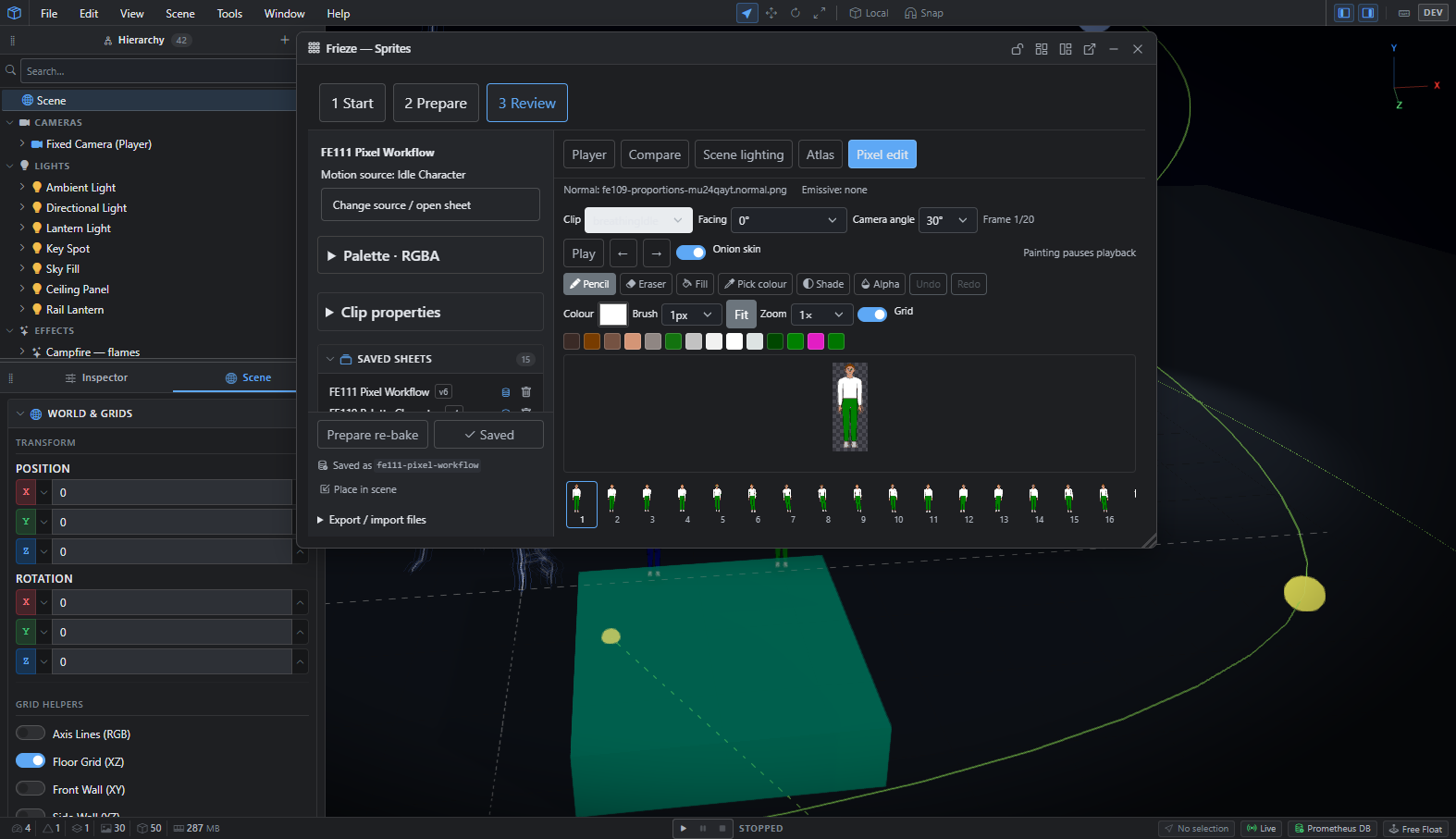
Automatic isn't always right, so Frieze has a pixel editor built in, with onion skinning across frames. A bad frame can be fixed in place without leaving the tool or re-baking the sheet.
Sprites that catch the light
Each bake also produces a normal map, so a flat sprite reacts to the 3D lights around it: a campfire on its left lights its left side.
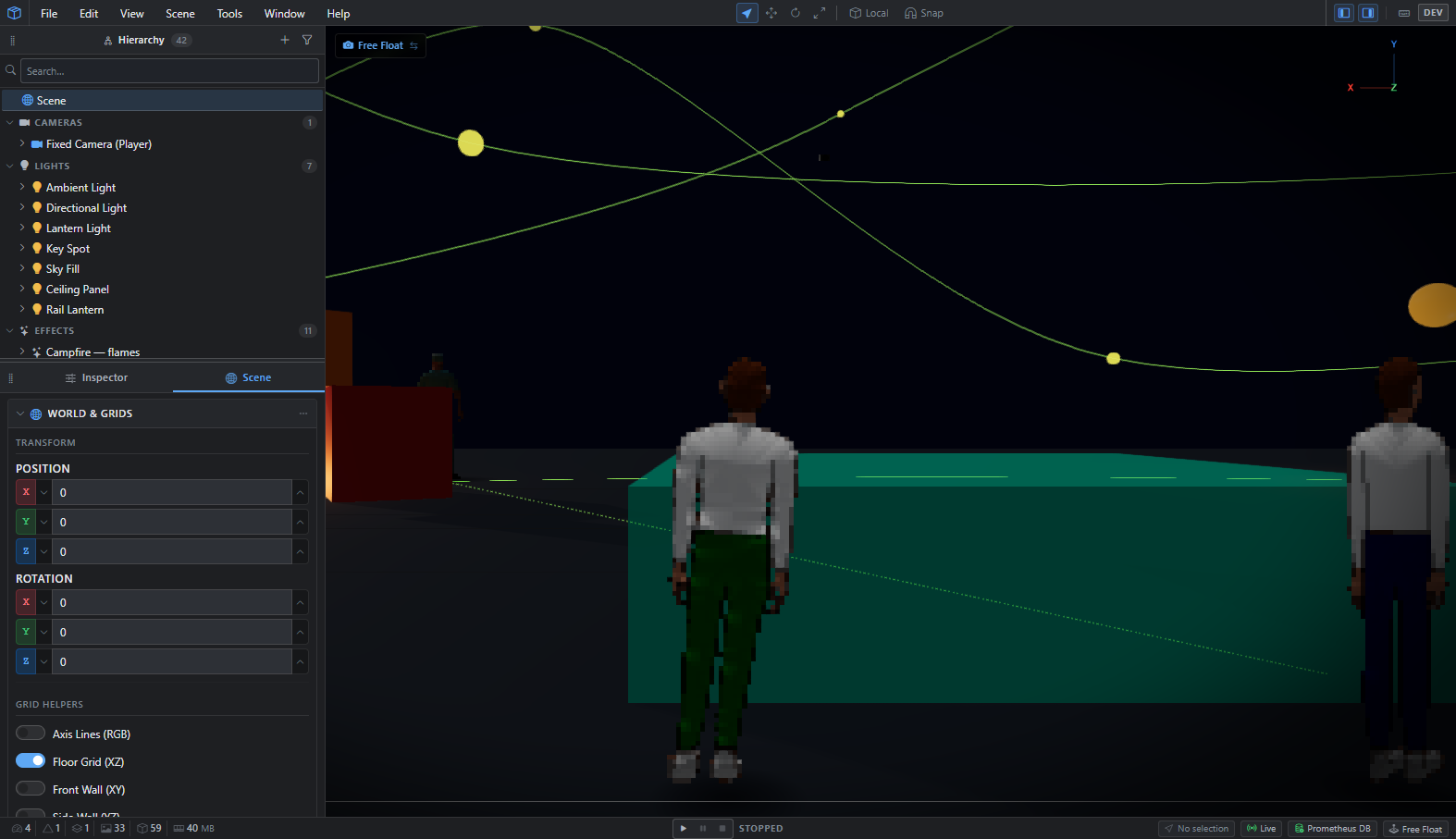
That led to my favourite bug so far. Seen from behind at a low angle, a character's shoes glowed white-hot, as if lit from inside:
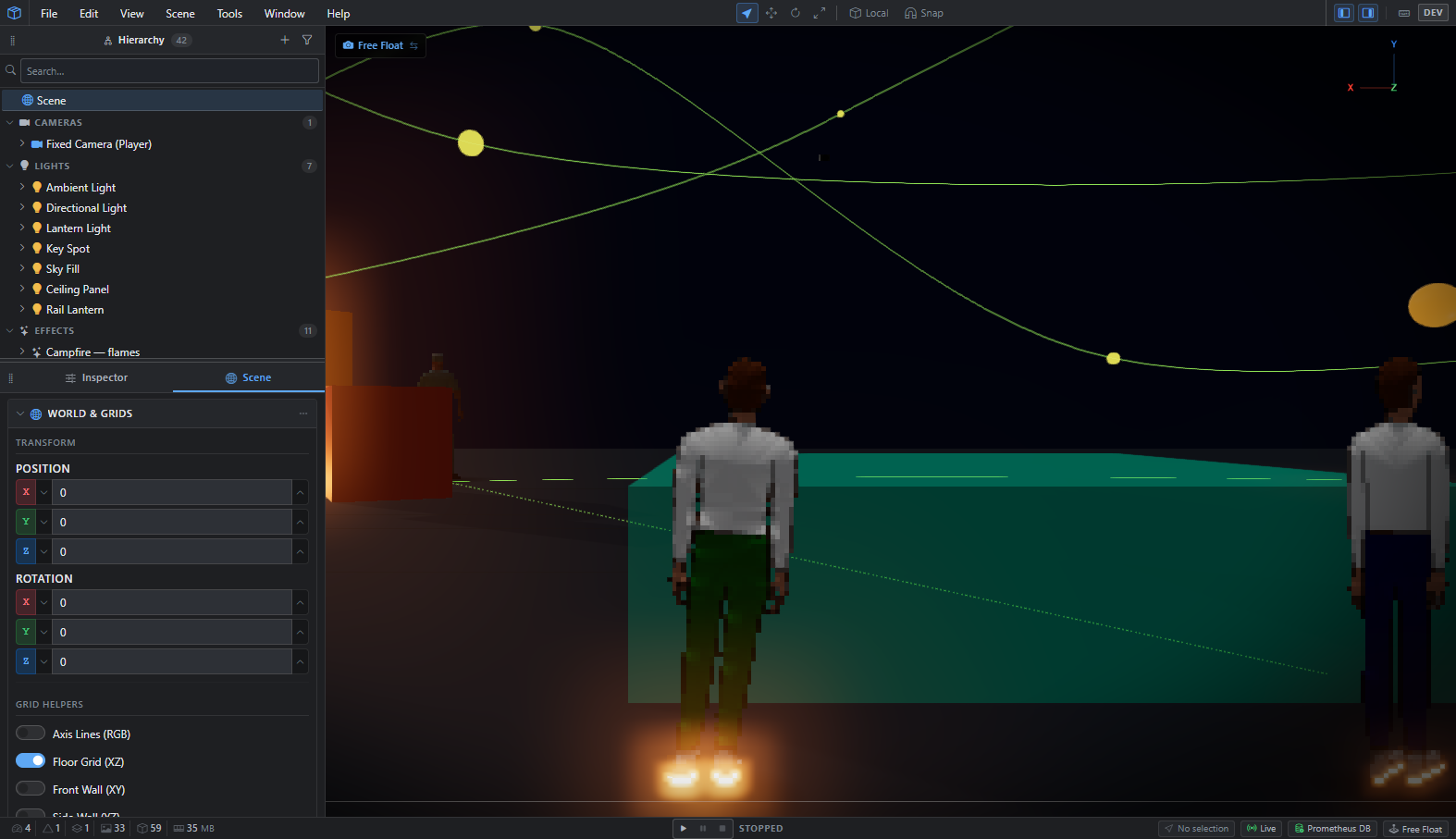
The cause was in the sprite material. A tweak that softens how light wraps around a sprite was also being applied to its reflections, and at grazing angles that amplified the reflection enormously, even on a completely rough surface. Limiting the softening to diffuse light fixed it: