Teaching sprites to think
Contents
The last few weeks went into the systems game logic will be written on. The last pieces of a first set landed today, so here's a tour.
Scripts are files
Game scripts are ordinary files, so I write them in VS Code instead of a text box in the editor. With file watching on, saving in VS Code reloads the script in the running editor. Scripts are type-checked, errors show up where I can see them, and a script that throws no longer drags the frame down with it.
Behaviour trees
Characters run behaviour trees: small graphs of decisions like "if you can see the player, approach; otherwise wander". Trees share a blackboard, a set of named values characters can read and write, which is how two characters can hold a conversation or a group can coordinate.
Seeing and hearing
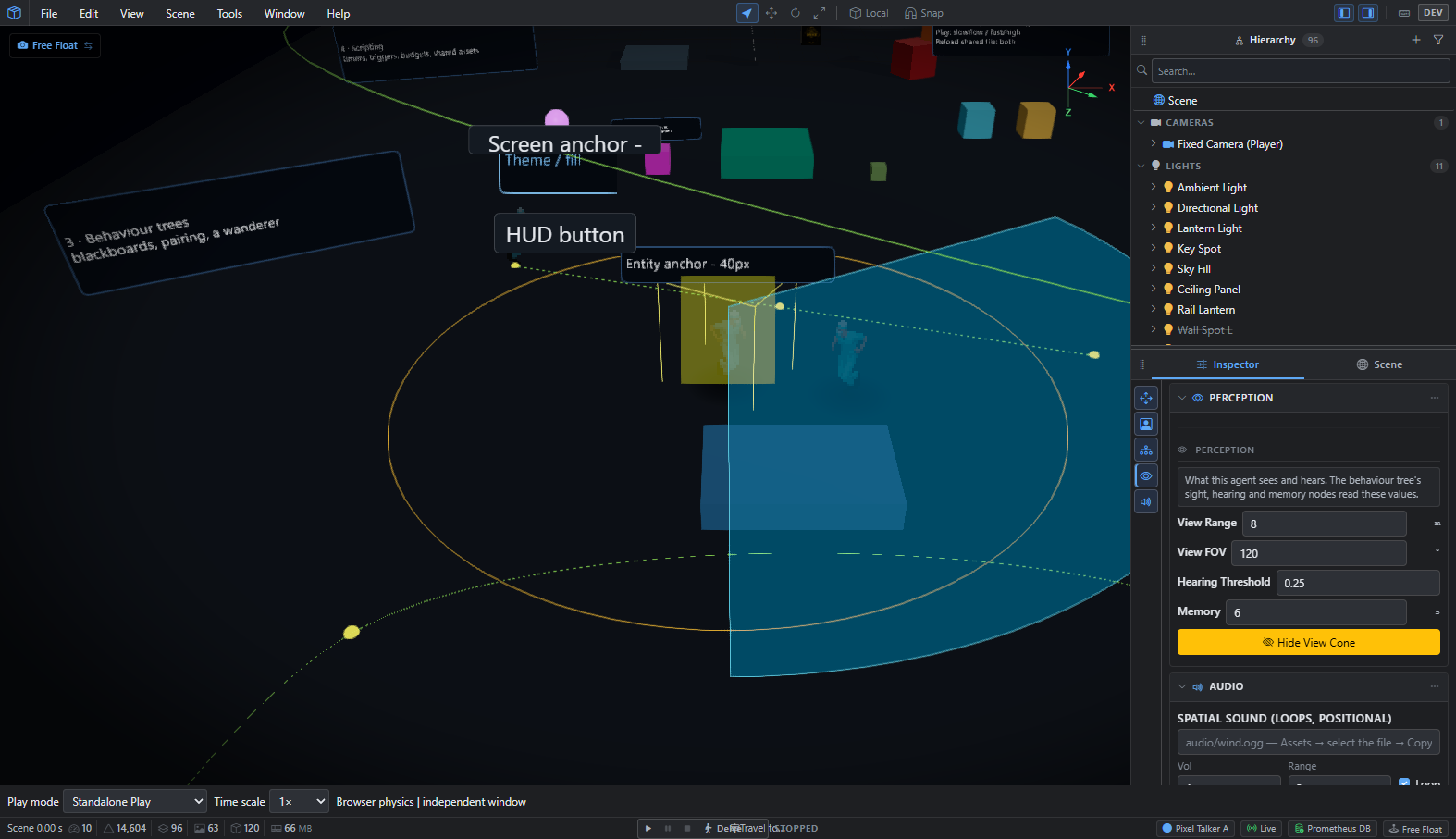
A character can have a view cone, a hearing range and a memory, and its behaviour tree reads them. In the editor I can show the cone and the hearing ring and tune them live.
Getting around, together
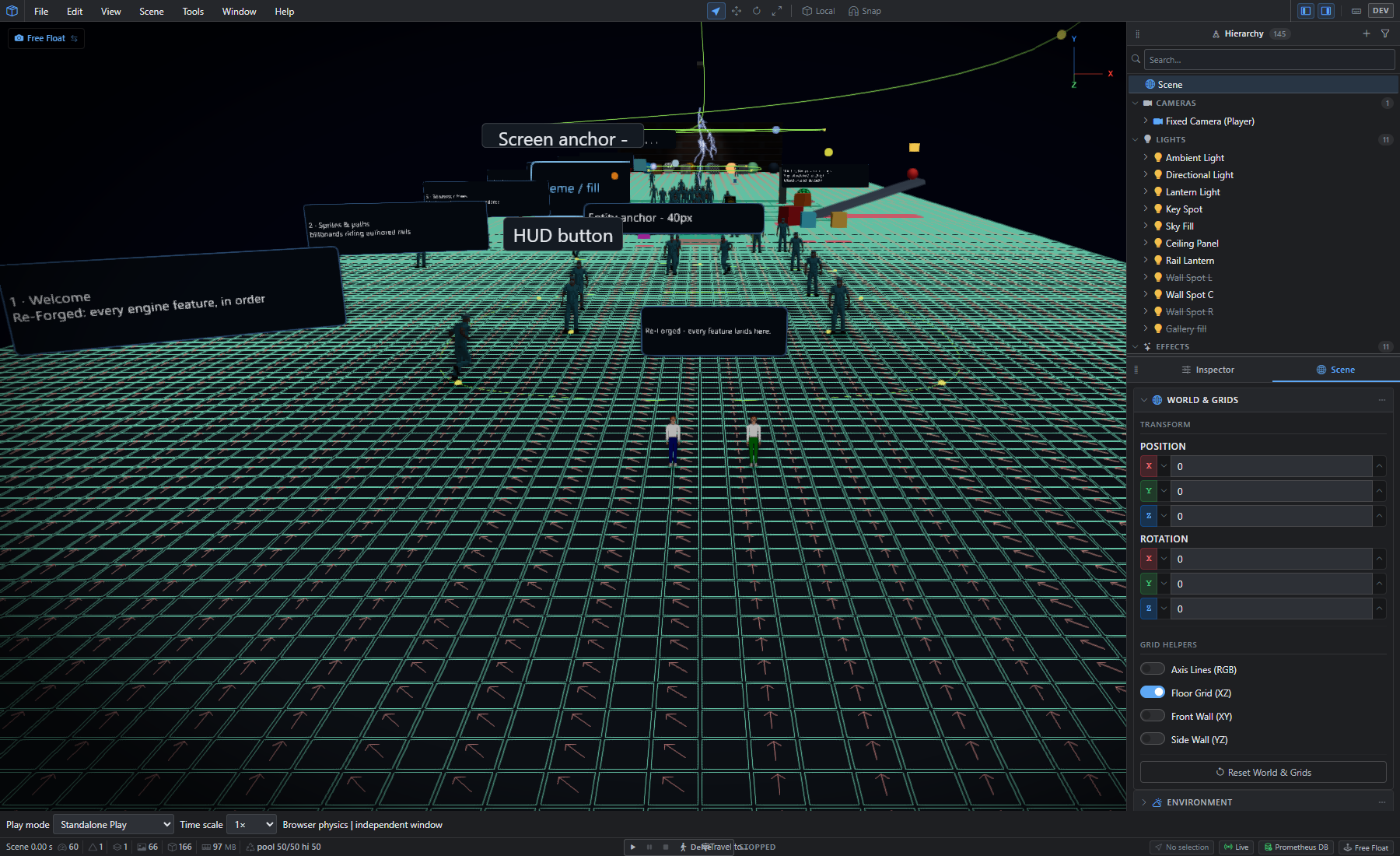
Characters find routes across the navigation grid. Crowds go one better. When many characters head for the same goal, the engine builds one flow field, a grid of arrows pointing the way, and they all read it instead of each searching for its own route. In a test with 200 characters heading for one goal, that meant zero route searches per second and at most one field build.
Talking
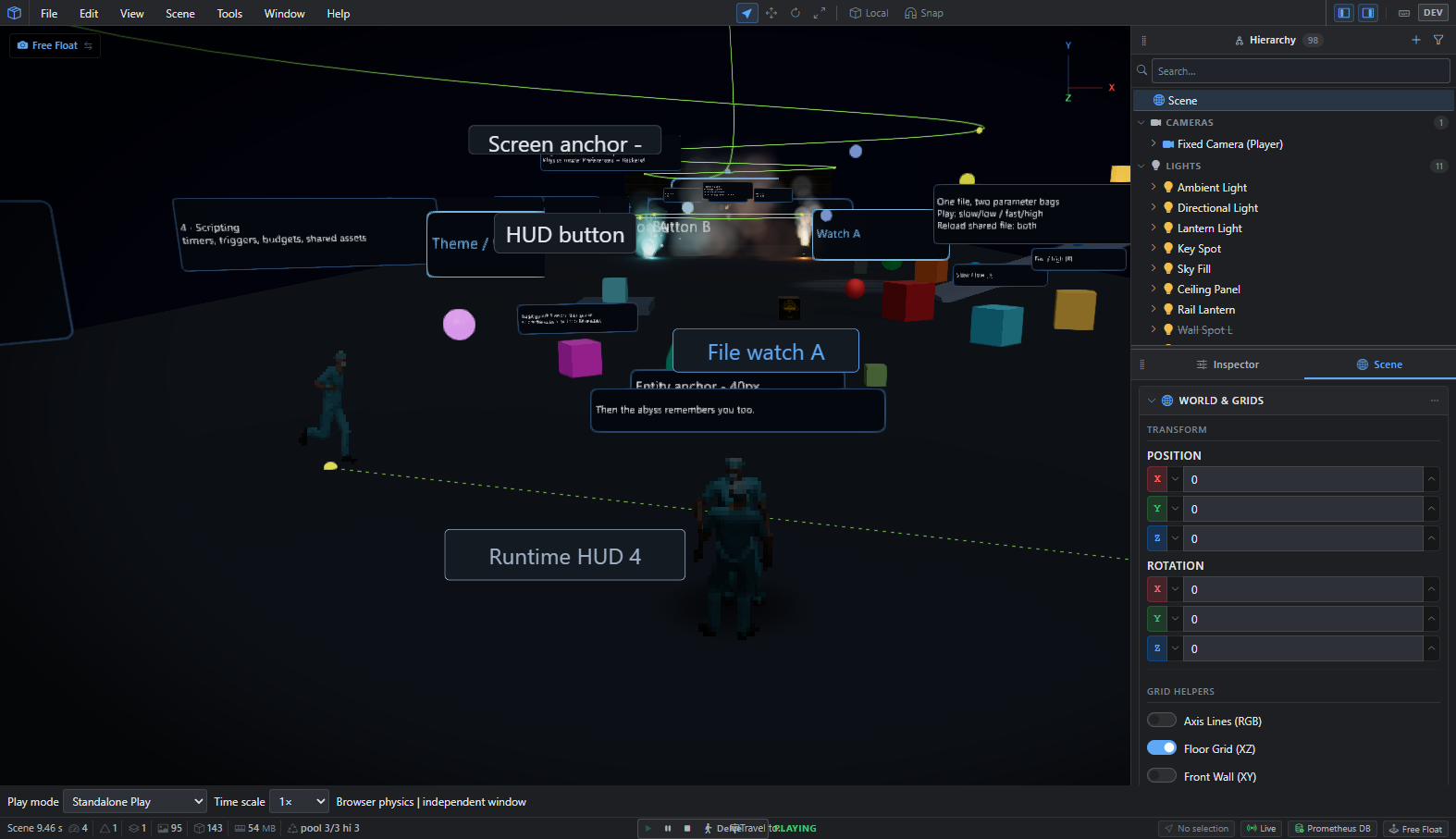
There's a dialogue system too: lines, choices and branches, with the camera able to move to whoever is speaking. The first test conversation in the showcase scene goes: "You found the stairs. Most people forget them." Choose "I remember." and the reply is "Then the abyss remembers you too."
And the rest
Gamepads and rebindable controls, UI widgets and HUD panels, an event bus, a game clock, localisation, collision layers, physics queries for AI, and entity pooling so a burst of spawns doesn't stall a frame. None of it is a game yet. It's the toolbox the game will be built with.